🟢11.4 Καθορίζοντας την Εμφάνιση (CSS)
Βήμα 1: Πηγαίνετε στο🔗https://www.w3schools.com/html/
Βήμα 2: Κάντε (scroll) λίγο κάτω και πατήστε το κουμπί Try it yourself!
Βήμα 3: Αντιγράψτε τον παρακάτω κώδικα ανάμεσα στην ετικέτα <body> ... </body>
<div>
  <p class="solid">
    <b>Lorem Ipsum</b> is simply dummy text of the printing and typesetting industry. Lorem Ipsum has been the industry's standard dummy text ever since the 1500s, when an unknown printer took a galley of type and scrambled it to make a type specimen book. It has survived not only five centuries, but also the leap into electronic typesetting, remaining essentially unchanged. It was popularised in the 1960s with the release of Letraset sheets containing Lorem Ipsum passages, and more recently with desktop publishing software like Aldus PageMaker including versions of Lorem Ipsum.
  </p>

  <p class="solid">
    <b>Lorem Ipsum</b> is simply dummy text of the printing and typesetting industry. Lorem Ipsum has been the industry's standard dummy text ever since the 1500s, when an unknown printer took a galley of type and scrambled it to make a type specimen book. It has survived not only five centuries, but also the leap into electronic typesetting, remaining essentially unchanged. It was popularised in the 1960s with the release of Letraset sheets containing Lorem Ipsum passages, and more recently with desktop publishing software like Aldus PageMaker including versions of Lorem Ipsum.
  </p>
</div>
Βήμα 4: Αντιγράψτε τον παρακάτω κώδικα ανάμεσα στην ετικέτα <head> ... </head> και κάτω από την ετικέτα <title> ... </title>.
<style>
	p.solid {
    	border-style: solid;
        padding: 10px;
    }
</style>
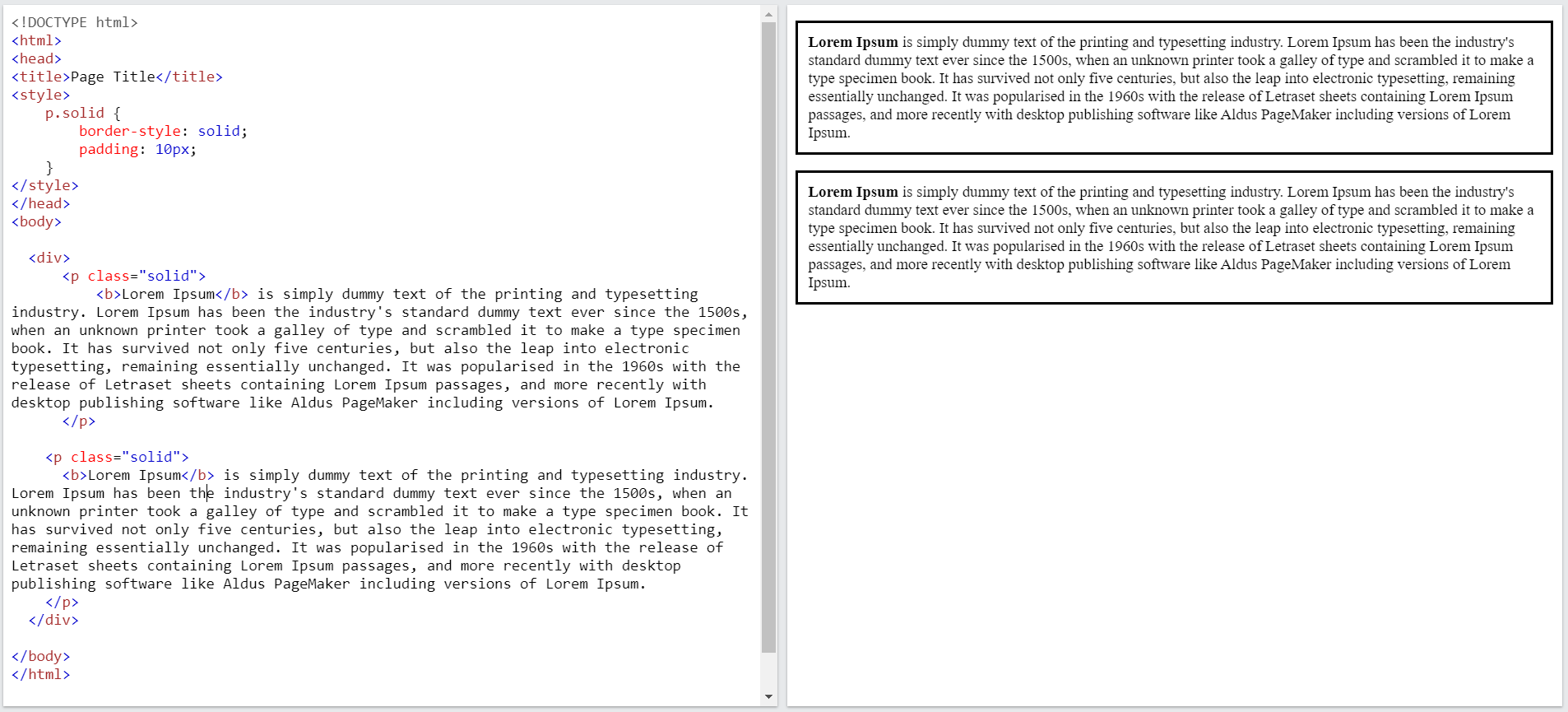
Βήμα 5: Πατήστε το κουμπί Run για να ελέγξετε τι κάνατε
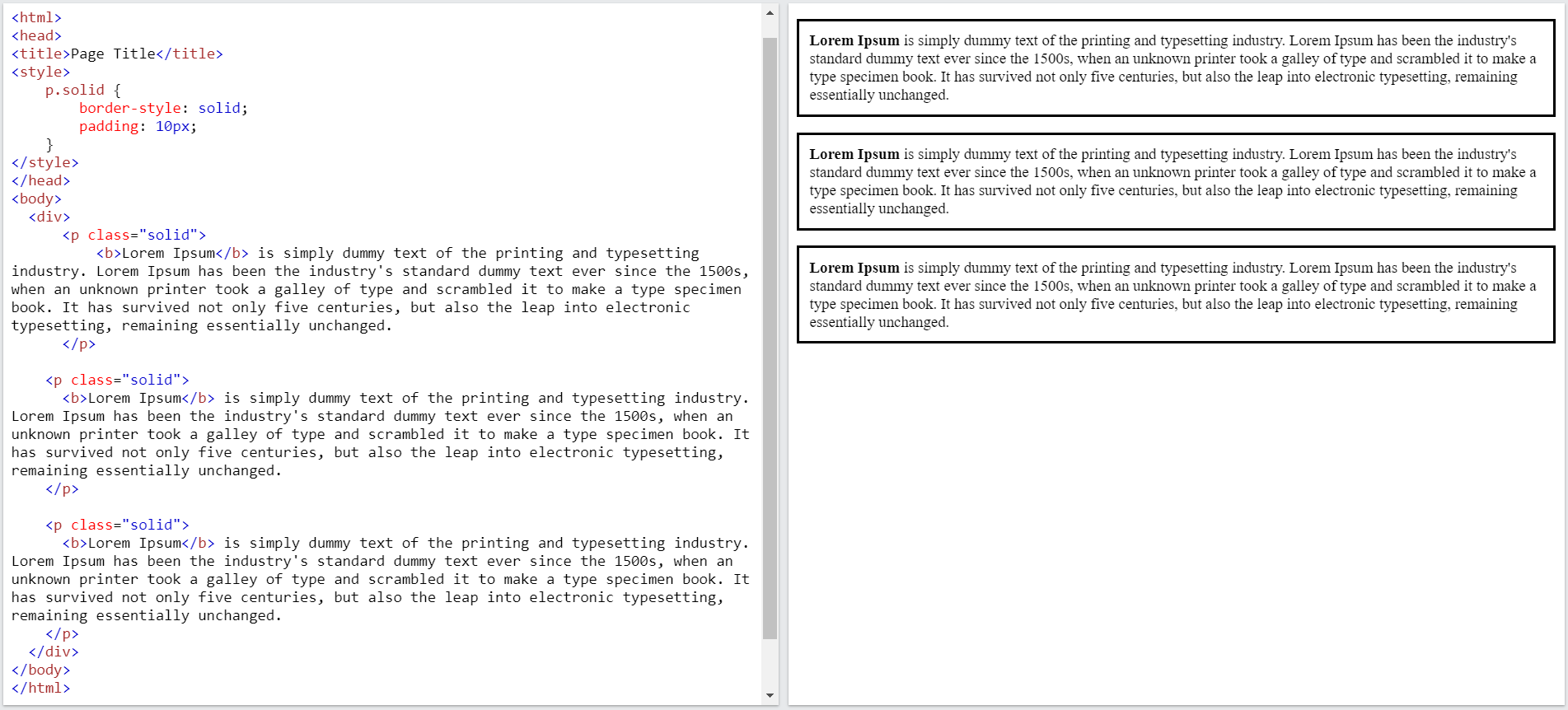
🏠Άσκηση για το σπίτι: Βάλτε μία τρίτη παράγραφο